
standalone
coming soon
Overview
When a recording is accidentally too loud for what your recorder can handle, the waveform gets cut off flat and it starts to sound harsh and distorted. Clipped works to restore the audio and its resolution.
For dialogue of any kind: podcasts, audio books, location recording, singing, film and television.
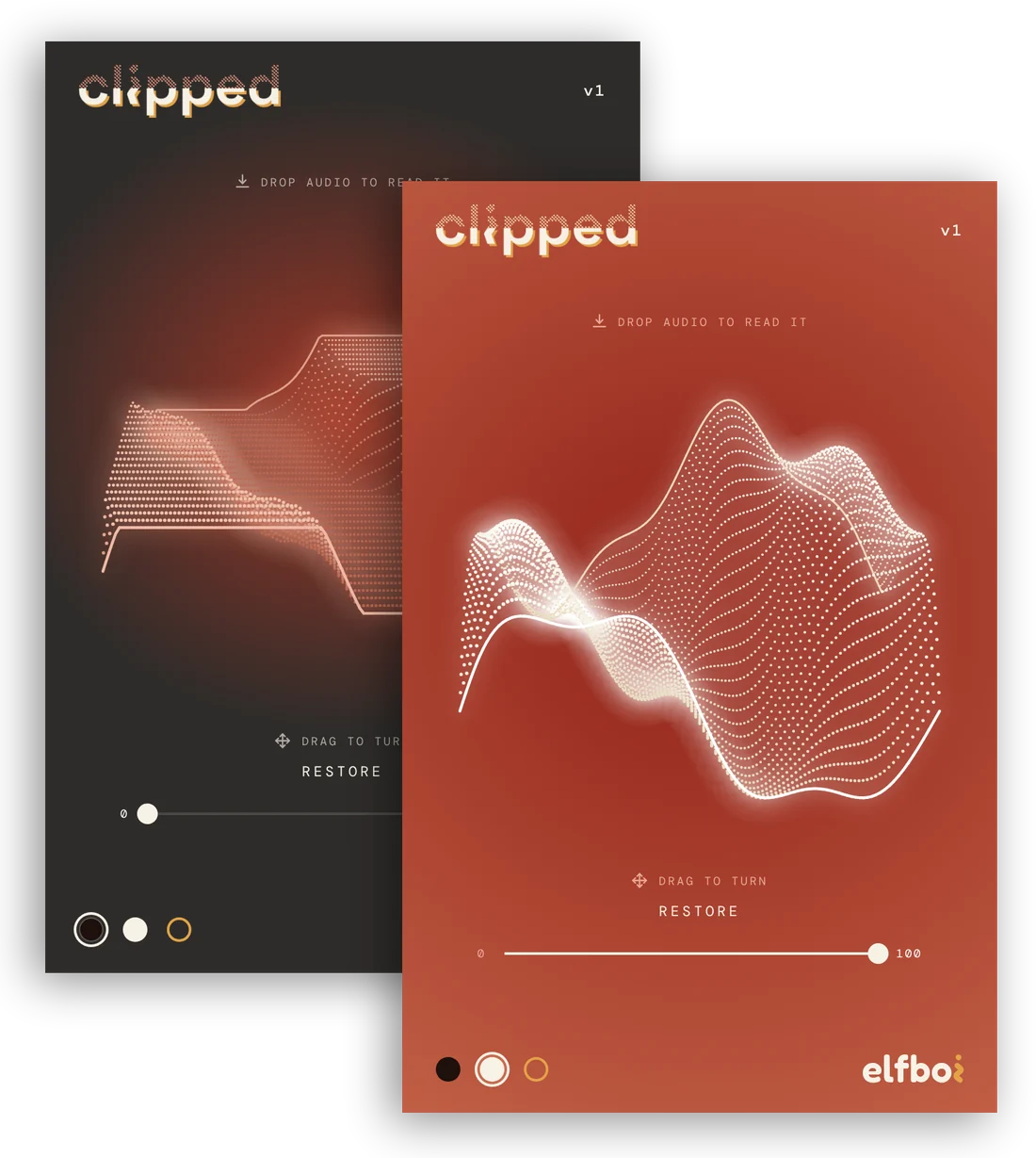
Every elfboi plug-in comes with three looks: light, dark, and artist. The artist look for clipped was designed with Josh Hong.
Listen
Moderate clipping
Severe clipping
Extreme clipping
Clipped Pro$99
Clipped Pro includes the plug-in and the standalone app. The plug-in runs inside a DAW or NLE and the standalone app exists right on your computer. You will get both when you buy Clipped Pro.
Get it
Specs
- included
- Plug-in and Standalone app
- runs in
- Plug-in: Any digital audio workstation (DAW) or video editor (NLE) that takes plug-ins
Standalone app: On the computer, tablet, or mobile device - formats
- VST3, AU, and AAX
- processing
- Render only, not realtime
- upload
- Batch uploading multiple files in workstation or on your computer with no time or file amount constraint
- audio
- 24-bit, 48 kHz. Mono and stereo. Outputs to .wav
- looks
- Dark, light, and artist looks
- computers
- Mac (macOS 12 and later) and Windows (10 and later)
Clipped BrowserFree
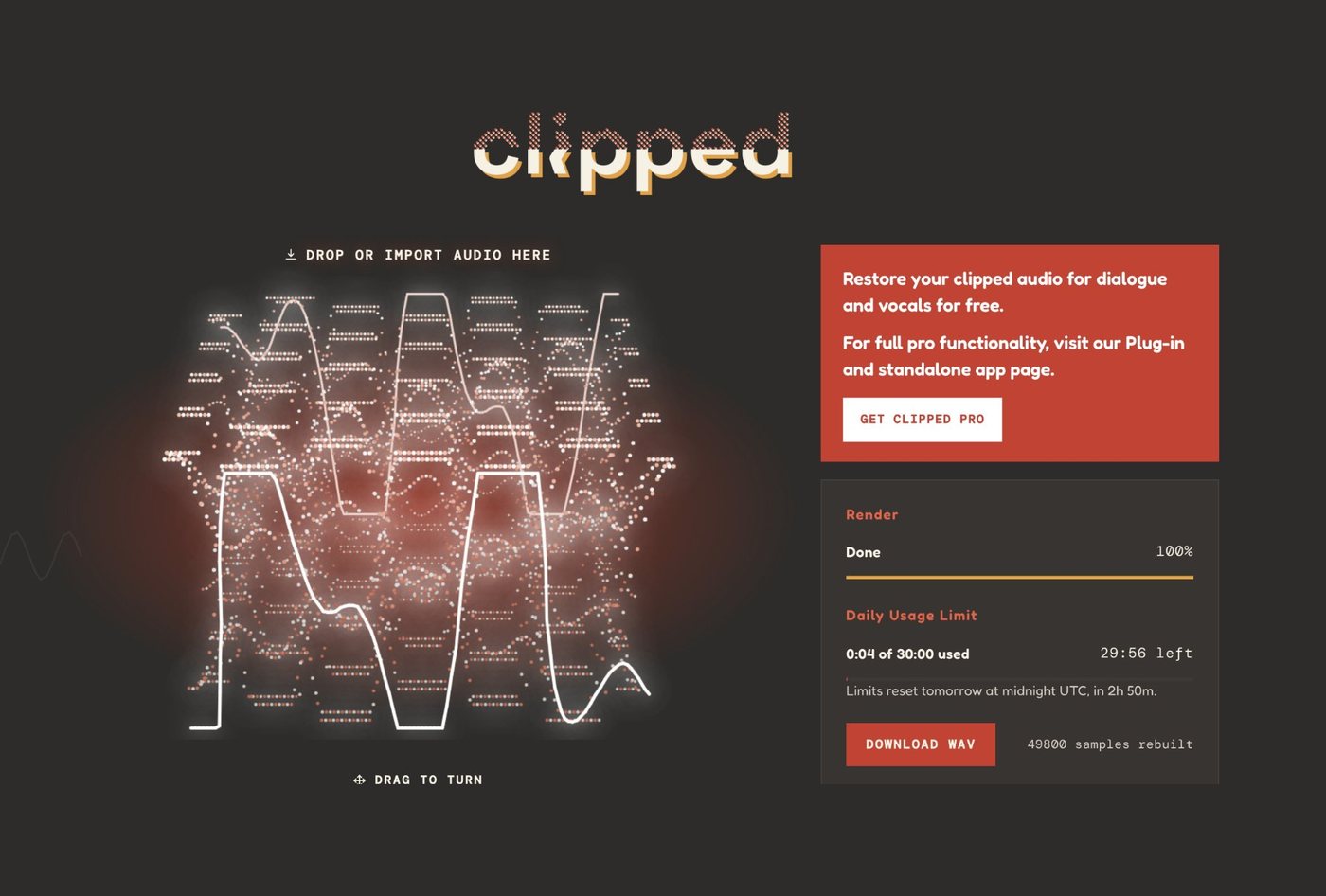
Free, and there is nothing to install. Restore clipped dialogue and vocals straight in the browser, up to twenty minutes of audio a day.
Get it
Specs
- price
- Free
- limits
- Twenty minutes of audio a day, one file at a time
- runs in
- Any current browser, on a laptop or a phone
- audio
- 24-bit, 48 kHz. Mono and stereo. Outputs to .wav